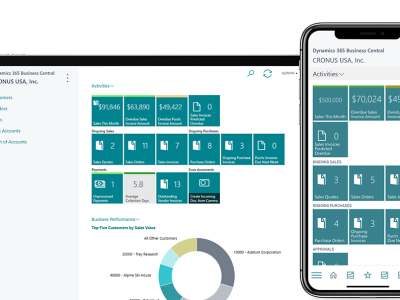
Inventory management is one of the most critical functions in any business. Whether you’re in manufacturing, retail, wholesale distribution, or eCommerce, poor inventory control can lead to stockouts, excess carrying costs, delayed deliveries, and unhappy customers.
This is where Microsoft Dynamics 365 Business Central plays a vital role. With built-in, real-time inventory management capabilities, Business Central helps businesses gain complete visibility, control, and accuracy across their stock operations.
In this blog, we’ll explore how inventory management works in Dynamics 365 Business Central, its key features, and how it helps businesses reduce costs while improving operational efficiency.
What Is Inventory Management in Business Central?
Inventory management in Microsoft Dynamics 365 Business Central refers to the process of tracking, controlling, and optimizing stock across warehouses and locations—from purchase and production to sales and fulfillment.
Business Central provides:
- Real-time inventory visibility
- Automated stock updates
- Accurate valuation and costing
- Seamless integration with finance, sales, and purchasing
4
Why Inventory Management Matters for Growing Businesses
As businesses scale, managing inventory manually or through disconnected systems becomes risky. Common challenges include:
- Overstocking or understocking
- Inaccurate inventory valuation
- Lack of warehouse-level visibility
- Manual errors and delays
- Poor demand forecasting
Business Central eliminates these issues by offering a single, centralized inventory system integrated with accounting and operations.
Core Inventory Features in Business Central
1. Item Master Management
Inventory management begins with Items in Business Central.
Each item record includes:
- Item number and description
- Units of measure
- Costing method (FIFO, Average, Standard)
- Item categories
- Pricing and posting groups
This structured setup ensures consistency across purchasing, sales, and financial reporting.
Business impact:
✔ Accurate costing
✔ Clean financial postings
✔ Better inventory classification
2. Multi-Location & Warehouse Management
Business Central allows businesses to manage inventory across:
- Multiple warehouses
- Stores or godowns
- Distribution centers
You can define Locations and enable features such as:
- Bin management
- Put-away and pick processes
- Directed warehouse flows (for advanced warehousing)
Result:
Real-time stock visibility per location, reducing misplacement and internal stock losses.
3. Real-Time Inventory Tracking
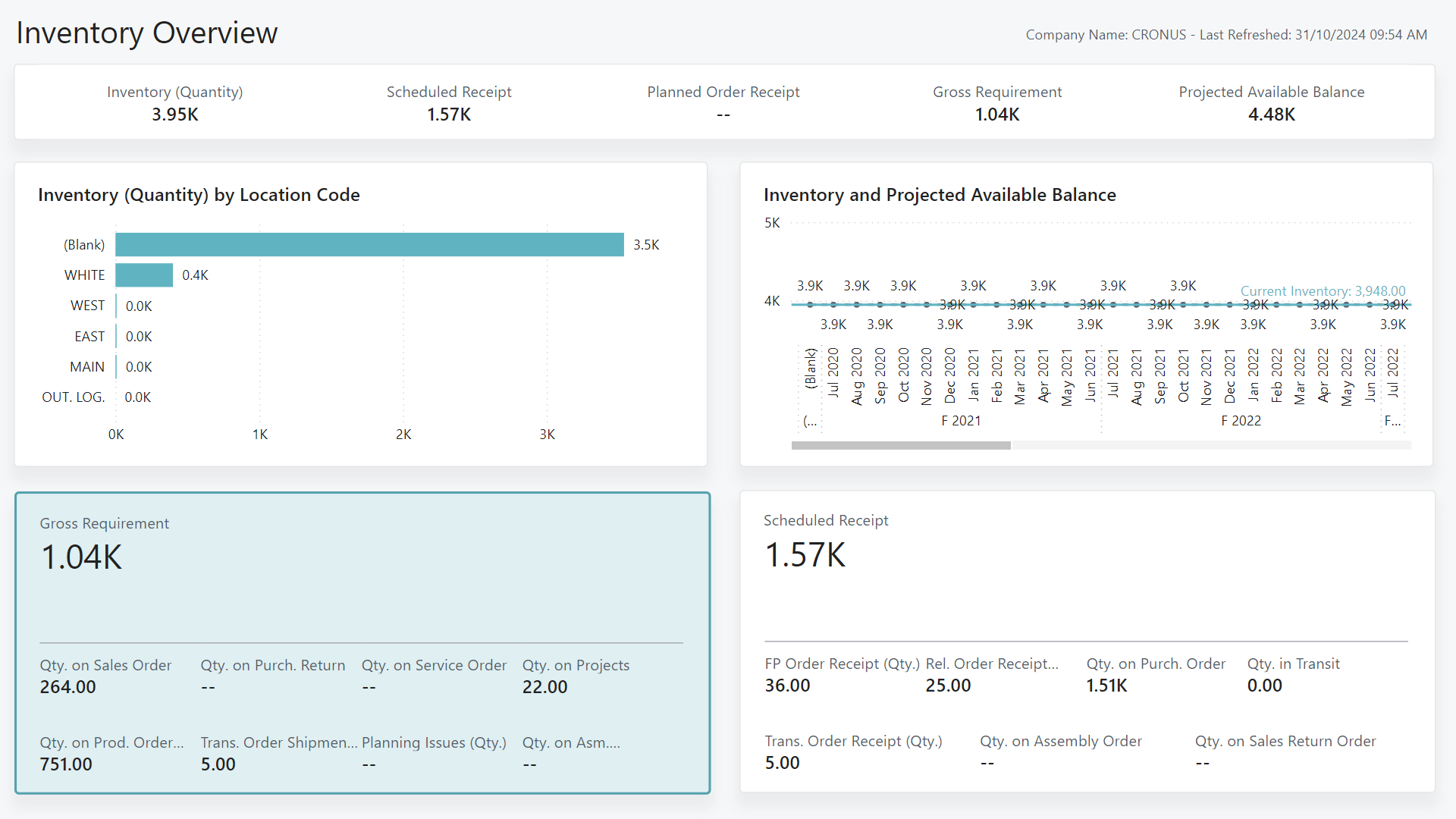
One of the biggest strengths of Business Central is real-time inventory updates.
You can instantly track:
- On-hand quantity
- Available inventory
- Reserved stock
- Incoming purchase quantities
- Outgoing sales commitments
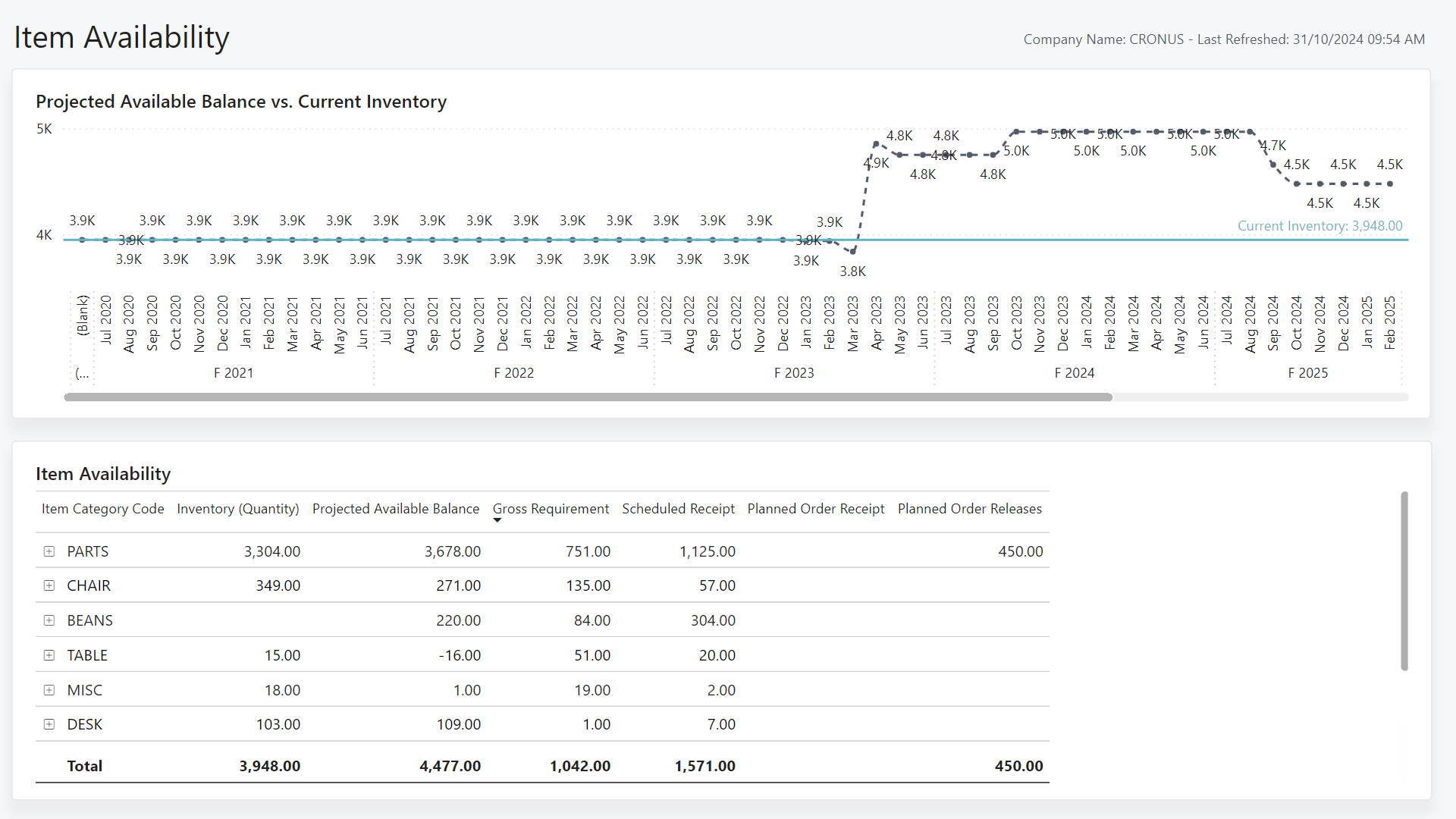
Key pages include:
- Item Availability by Location
- Inventory Valuation
- Stock Aging reports
This helps businesses make faster and more confident decisions.
4. Purchase Management (Stock In)
Inventory increases through Purchase Orders.
When you:
- Create a purchase order
- Receive goods
- Post the purchase invoice
Business Central automatically:
- Updates inventory levels
- Posts vendor entries
- Updates financial accounts
There’s no need for manual stock entries, reducing human errors significantly.
5. Sales Management (Stock Out)
Inventory decreases through Sales Orders.
During sales processing, Business Central:
- Checks stock availability
- Reserves inventory automatically
- Prevents overselling
- Updates inventory and revenue in real time
This ensures smooth order fulfillment and improved customer satisfaction.
6. Inventory Valuation & Costing
Business Central supports multiple inventory costing methods, including:
- FIFO (First In, First Out)
- Average Cost
- Standard Cost
The system calculates:
- Cost of goods sold (COGS)
- Inventory valuation
- Profit margins
These valuations are automatically reflected in financial statements, ensuring accurate reporting and audit readiness.
7. Demand Forecasting & Replenishment
To avoid stock shortages or excess inventory, Business Central provides replenishment planning tools.
Features include:
- Reorder points
- Safety stock levels
- Demand forecasting based on historical data
- Planning worksheets
This enables proactive purchasing and better inventory planning.
8. Inventory Adjustments & Physical Counts
Business Central supports:
- Inventory adjustments (positive or negative)
- Physical inventory counting
- Cycle counting
These features help reconcile system inventory with actual stock and maintain data accuracy.
Advanced Inventory Capabilities
Batch & Serial Number Tracking
Businesses can track inventory by:
- Batch numbers
- Serial numbers
- Expiry dates
This is especially important for industries like pharmaceuticals, food & beverage, and manufacturing.
Integration with Manufacturing & Projects
Inventory in Business Central integrates seamlessly with:
- Production orders
- Bills of Materials (BOM)
- Project consumption
This ensures accurate material planning and cost tracking.
Benefits of Using Business Central for Inventory Management
✔ Real-time stock visibility
✔ Reduced stockouts and overstocking
✔ Accurate inventory valuation
✔ Faster order fulfillment
✔ Lower carrying costs
✔ Seamless integration with finance and sales
✔ Scalable for growing businesses
Industries That Benefit the Most
Business Central inventory management is ideal for:
- Manufacturing companies
- Retail & eCommerce businesses
- Wholesale & distribution firms
- Professional services with inventory needs
- Import-export businesses
Final Thoughts
Inventory is more than just stock—it directly impacts cash flow, customer satisfaction, and profitability. Microsoft Dynamics 365 Business Central provides a powerful, integrated, and scalable inventory management system that helps businesses move from reactive stock control to proactive inventory optimization.
For companies looking to improve accuracy, reduce costs, and scale operations smoothly, Business Central offers everything needed to manage inventory efficiently—today and in the future.